
Download Emulicious – Game Boy emulator, retro gaming, Sega Master System emulator, Game Boy Advance emulator, emulator for Android, free emulator
Overview
Emulicious is a free mobile emulator designed for retro gaming enthusiasts seeking to relive classic titles from iconic systems such as the Nintendo Game Boy, Sega Master System, and other vintage platforms. The app serves as a digital gateway to a nostalgic gaming era, enabling users to play beloved games from the 1980s and 1990s directly on their Android devices. It addresses the challenge of accessing legacy games on modern hardware by offering accurate and stable emulation without requiring complex setup procedures.
The target audience includes casual gamers looking for quick entertainment, collectors preserving digital copies of retro games, and hobbyists interested in exploring the inner workings of classic software. While the developer, Emulicious Team, is credited with the app’s creation, no further organizational background is publicly available. The app’s relevance in the mobile gaming ecosystem lies in its ability to democratize access to retro titles through a lightweight, efficient tool that runs smoothly on a wide range of Android devices.
Real-world use cases include playing Game Boy games during commutes, testing game behavior for educational or preservation purposes, and experimenting with emulator tools for learning about early game development. With its focus on compatibility and usability, Emulicious fills a niche in the mobile app market by offering a dedicated, no-frills solution for retro gaming on Android.
Key Features & Functionality
- Stability and Accuracy: Emulicious prioritizes precise emulation, minimizing glitches and crashes during gameplay. This ensures that games run as intended, preserving original timing, audio, and visual output.
- User-Friendly Interface: The intuitive layout allows users of all experience levels to load games, adjust settings, and start playing with minimal effort. Navigation is streamlined, reducing the learning curve for newcomers.
- Multiple Instances Support: Users can run several game sessions simultaneously, switching between titles without restarting the emulator. This is particularly useful for comparing gameplay or managing multiple playthroughs.
- Wide File Format Compatibility: The app supports common retro game formats such as .gbc, .gb, and .sms, enabling access to a broad library of games without format conversion.
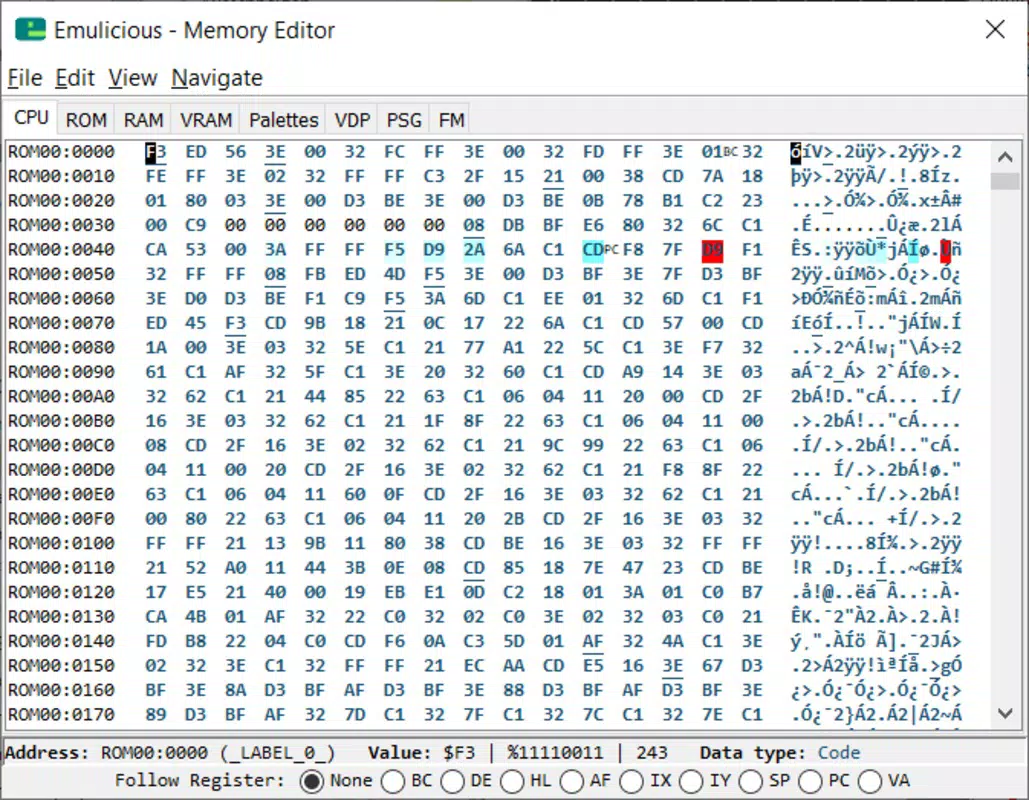
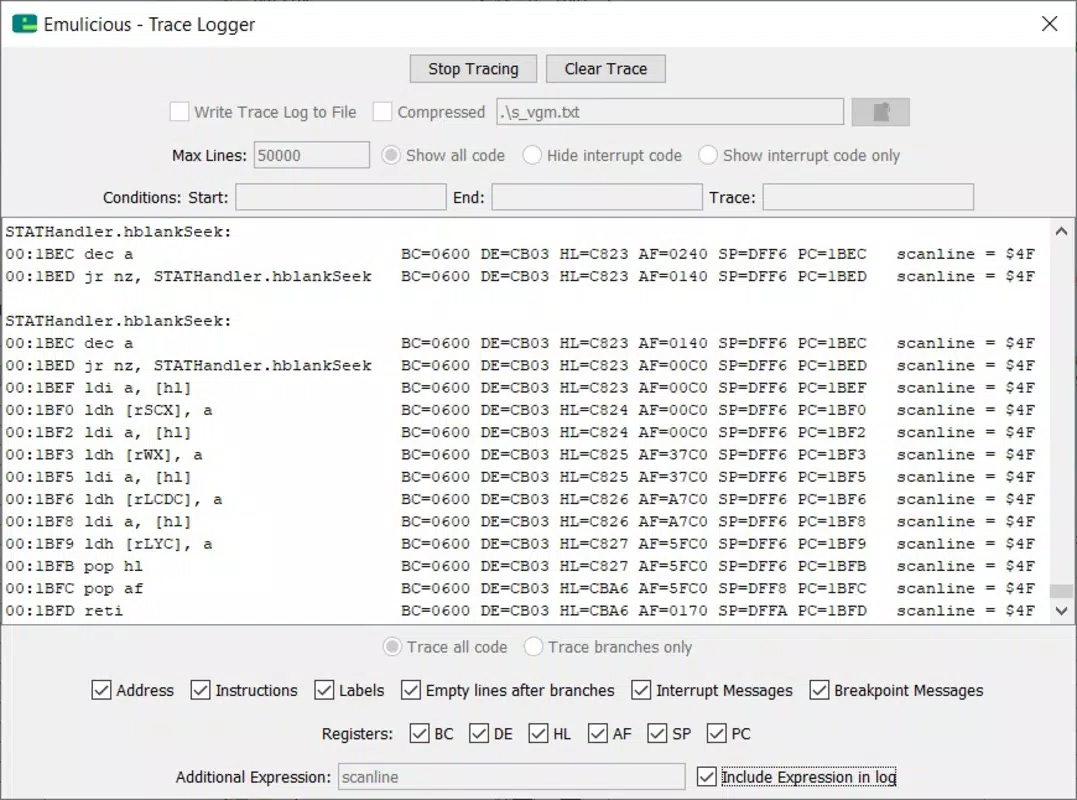
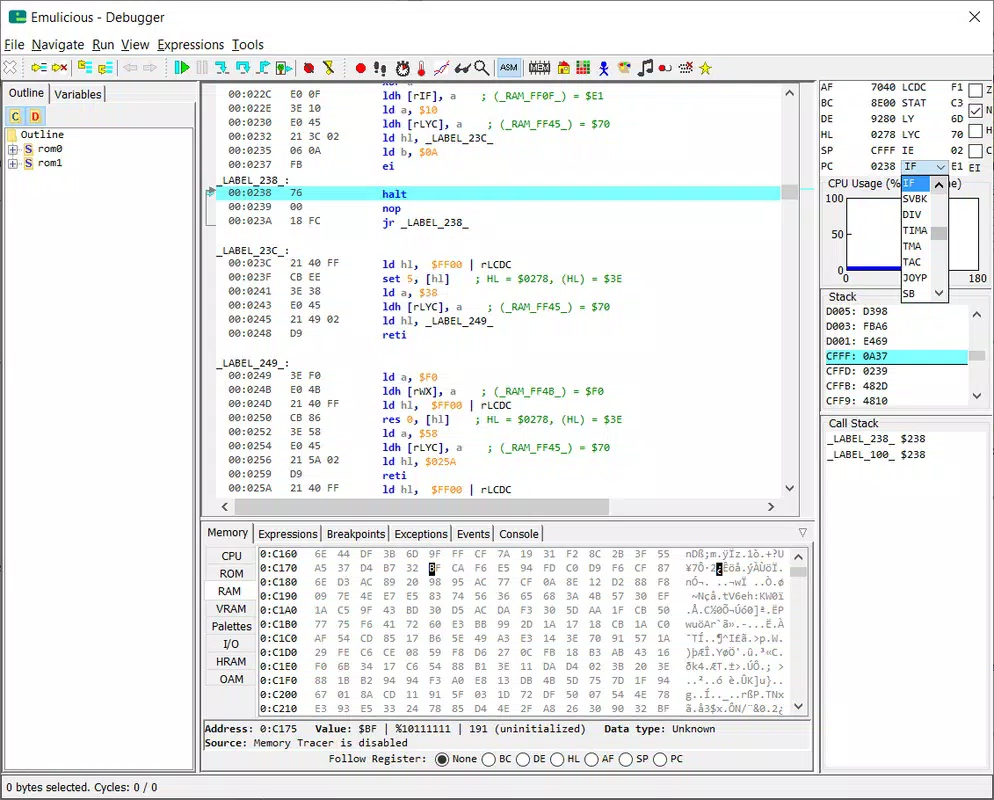
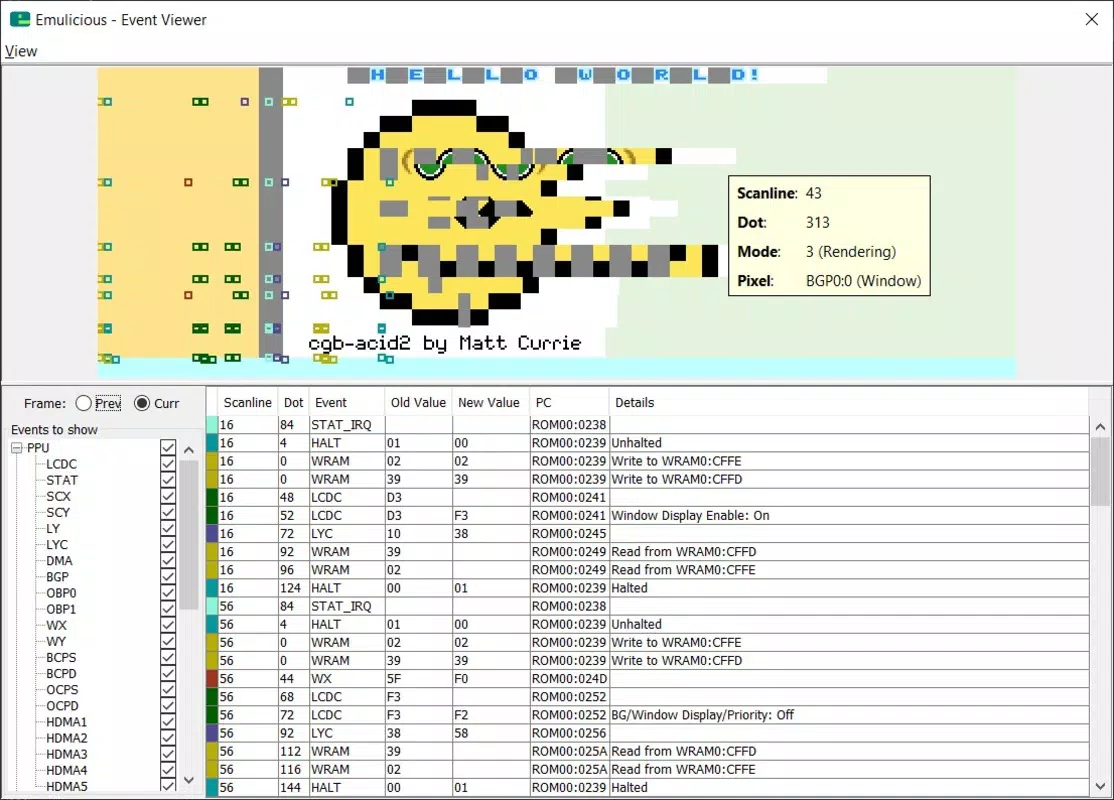
- Advanced Customization Tools: Built-in tools like the debugger, memory editor, and palette viewer cater to users interested in deeper exploration, including modding or reverse engineering.
For example, a user can load a Game Boy Color game (.gbc) and use the memory editor to modify in-game values, such as health or currency, for a customized experience. Similarly, developers or students studying early game architecture can use the debugger to analyze code execution in real time, enhancing their understanding of legacy systems.
Interface, UX & Performance
Emulicious features a clean, minimalist interface that prioritizes functionality over visual flair. The layout places essential controls—such as load, pause, and settings—within easy reach, ensuring a smooth user journey. Navigation is linear and predictable, with clearly labeled buttons and a logical flow from game selection to gameplay.
The app maintains responsive performance across various Android device categories, though specific hardware benchmarks were not provided by the developer. Although the developer did not list formal performance metrics, the app’s 12.5 MB size suggests an optimized build designed for efficient resource usage. Users can expect consistent frame rates and minimal lag when running games on mid-to-high-end devices.
Stability is a notable strength, with the app maintaining consistent operation during extended play sessions. While no official data on battery consumption or background performance was shared, the lightweight nature of the app implies moderate impact on device resources. Overall, Emulicious delivers a reliable and accessible experience tailored to retro gaming on mobile.
Platform Compatibility & Technical Requirements
Emulicious is designed for Android devices and is available in version 1.1.2. The app has a file size of 12.5 MB, indicating a compact and efficient installation package. This lightweight footprint makes it suitable for devices with limited storage capacity.
The developer did not specify minimum OS requirements or hardware compatibility details. As such, users should verify device compatibility through trial installation. While the app is intended for Android, no information was provided regarding support for specific Android versions, screen sizes, or processor architectures.
Given the app’s release date of March 23, 2023, users can expect it to be compatible with recent Android releases, though older systems may experience limitations. The absence of detailed technical specifications means that compatibility should be tested on individual devices.
Pros and Cons
Pros
- Free to download and use, with no in-app purchases or ads
- Supports multiple retro game formats including Game Boy, Game Boy Color, and Sega Master System
- Runs multiple game instances simultaneously for enhanced multitasking
- Compact size (12.5 MB) ensures easy installation on low-storage devices
- Includes advanced tools like debugger and memory editor for deeper exploration
Cons
- Developer did not provide detailed OS or hardware requirements
- No official update frequency or changelog information available
- Compatibility with older Android versions is unconfirmed
- Limited visual customization options beyond basic settings
- Advanced features may overwhelm casual users unfamiliar with emulation concepts
FAQ
Is Emulicious safe to download and install?
Yes, Emulicious is a free mobile app developed by the Emulicious Team. As long as it is downloaded from a trusted source, the app poses no known security risks. Always verify the source to ensure authenticity.
Can I play Game Boy Advance games with Emulicious?
While Emulicious supports Game Boy and Game Boy Color games, there is no confirmation of Game Boy Advance (.gba) file compatibility. The app’s current supported formats include .gbc, .gb, and .sms.
Does Emulicious require root access?
No, Emulicious does not require root access to function. It operates as a standard Android application and can be installed and used on non-rooted devices.
How do I add games to Emulicious?
Users can transfer game ROMs to their device’s storage and load them directly through the app’s file browser. Supported formats include .gbc, .gb, and .sms.
Is Emulicious updated regularly?
The developer has not disclosed an update schedule. The latest version available is 1.1.2, released on March 23, 2023. Future updates may be released based on user feedback or technical improvements.
Final Thoughts
Emulicious stands out as a capable and accessible emulator for retro gaming on Android. Its combination of stability, broad file format support, and advanced tools makes it a valuable resource for both casual players and tech-savvy enthusiasts. The free model removes financial barriers, while the compact size ensures it remains practical for everyday use.
While the lack of detailed technical documentation may limit some users, the app’s straightforward interface and reliable performance compensate for these gaps. It is especially well-suited for those who want to relive classic gaming experiences without the hassle of complex setups.
Download Emulicious now and rediscover the joy of retro gaming on your smartphone.


